


Choose each permission.
Screen and input, terminal, files. The desktop app checks what you allowed before it acts.
 Dyrra
DyrraLet your AI use the screen, apps and terminal. On your own computer, or a Mac in the cloud.
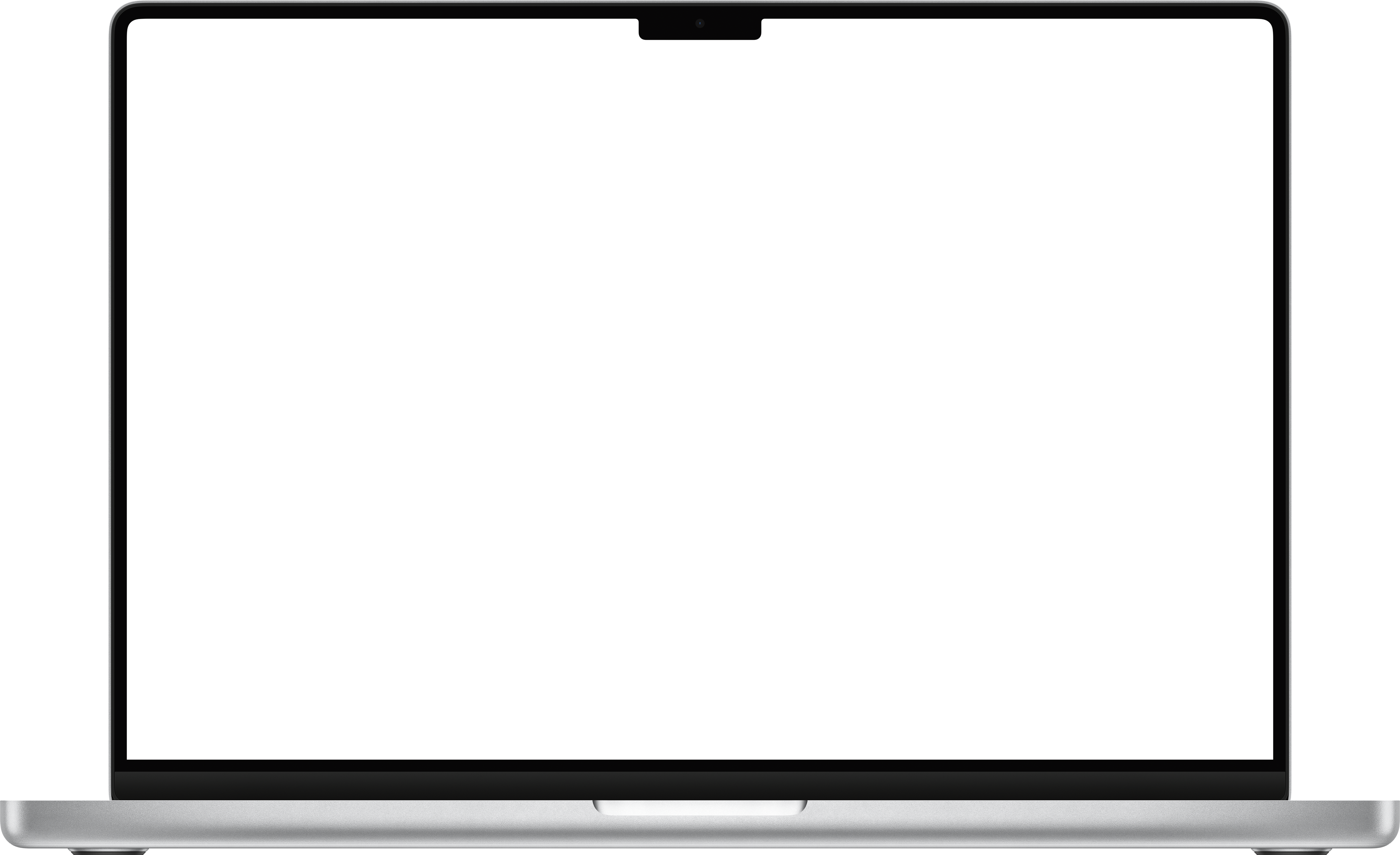
Open Dyrra from the top right of your Mac. Check its status and control your agent’s access.
Your agent can use this computer with the permissions you’ve chosen.
Stop agent actions with one click, or press Control + Option + Command + P.
See when your screen was unlocked, without opening the full activity log.
Screen lock and unlock events appear together in Recent.
See when your Mac connects to Dyrra. A different icon marks a lost connection.
Turn this on to prevent your Mac from sleeping while your agent works.
Open Dyrra to manage connections, adjust permissions and review the full activity log.
Quit Dyrra to stop this computer’s connection.
Let your preferred AI work on a real Mac, with the tools you already use.
Give your existing agent the tools to work where your software actually runs.
A screenshot shows the whole window. An accessibility tree identifies its buttons, fields and text. Try selecting an element.
Screenshots · Window trees · App discoveryThis preview runs in your browser. It does not control a computer.Use MCP with your coding agent, the TypeScript SDK in your app, or call the REST API directly.

Choose your client. Add Dyrra. Work on a real computer.
Terminalclaude mcp add --env DYRRA_API_KEY=dk_live_… --env DYRRA_TARGET=con_… --scope user --transport stdio dyrra -- npx -y @dyrra/mcpRun in a terminal. --scope user makes Dyrra available in every project.
Replace the example key and computer ID with yours from the console.
Permission previewChoose what an agent may use.
On your Mac, pause instantly with ⌃⌥⌘P.Screen and input, terminal, files. The desktop app checks what you allowed before it acts.
Exclude apps from capture. File access stays within the folders you select.
Follow the audit log and use session recordings when you enable recording.
Your own computers and cloud hardware are priced separately. Pick what your workflow needs.
Connect your own hardware. Bring your preferred agent and model subscription.
Computer plans cover connections to hardware you own. Cloud rentals are separate.
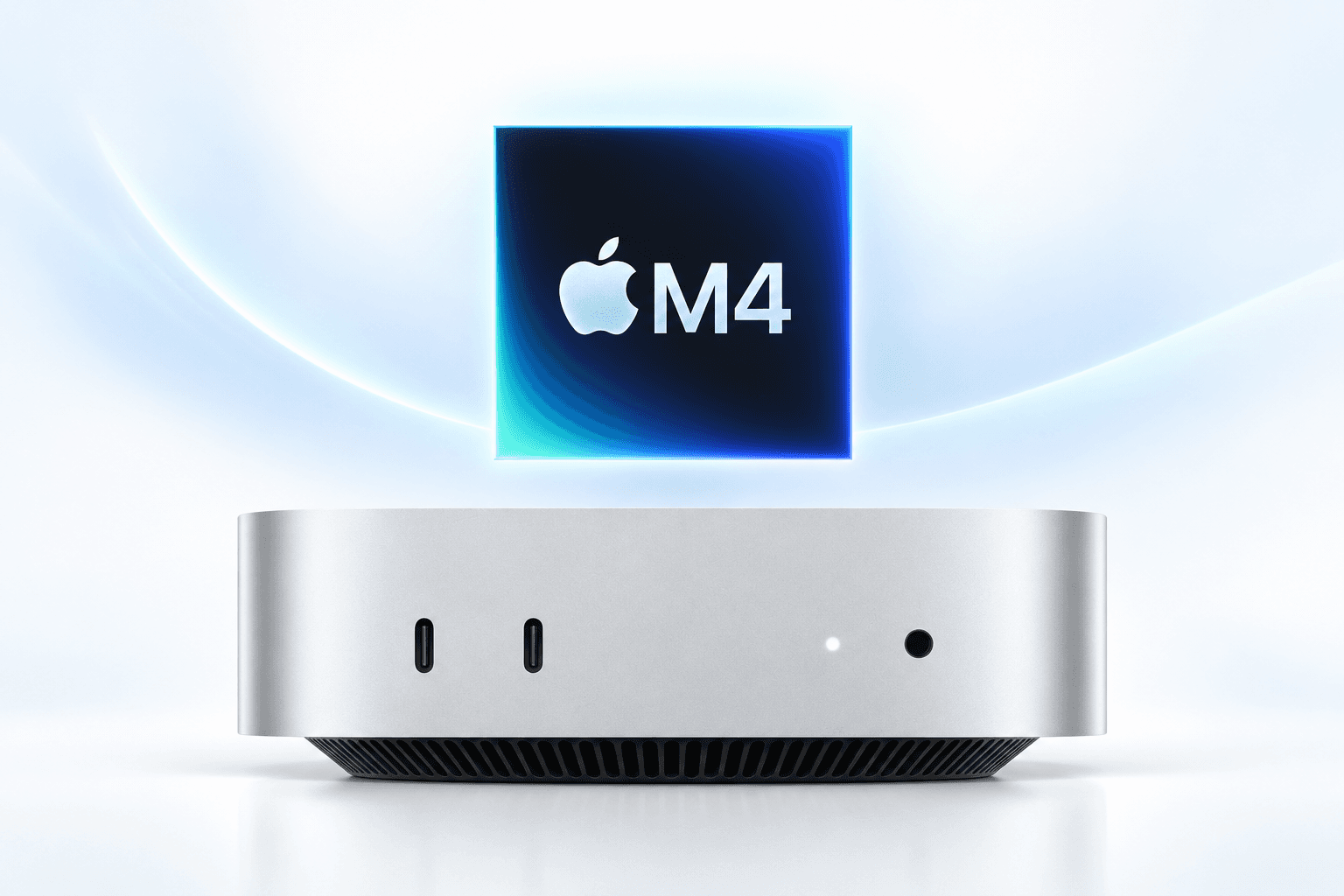
Base configuration shown. Request a different memory or storage size in the console.
$189 / month
Explore this MacTest pool in preparation. Availability will be confirmed before public sales.
| Computer | Memory | SSD | Ordering |
|---|---|---|---|
| Mac mini M4 | 16 GB | 256 GB | Test pool |
| Mac mini M4 Pro | 64 GB | 1 TB | On request |
| Mac mini M5 Pro | 24 GB | 512 GB | Planned |
| Mac mini M6 | 16 GB | 256 GB | Planned |
| Mac Studio M1 Max | 64 GB | 2 TB | Test pool |
| Mac Studio M1 Ultra | On request | On request | On request |
| Mac Studio M2 Max | 64 GB | 1 TB | On request |
| Mac Studio M2 Ultra | 64 GB | 2 TB | Test pool |
| Mac Studio M3 Ultra | On request | On request | On request |
| Mac Studio M4 Max | 64 GB | 1 TB | On request |
| Mac Studio M5 Max | On request | On request | Planned |
| Mac Studio M5 Ultra | On request | On request | Planned |
| Mac Pro | On request | On request | On request |
Install Dyrra Agent, connect your computer, then give your agent its MCP configuration.
Desktop license: $14.99, paid once. Enter your key when the app first opens. Cloud rentals and computer plans are separate.